Infra Assistant»
Infra Assistant is an AI-powered chat interface built into the Spacelift UI. You can use it to ask questions about your infrastructure, troubleshoot issues, and in Build mode, create and manage cloud resources through conversation.
It is part of Spacelift Intelligence, alongside Intent and Saturnhead Assist.
Info
Infra Assistant is available on all plans. Free-tier accounts receive a token budget for the Spacelift-provided AI integration. See Token budget for details.
Enabling Infra Assistant»
An organization admin needs to enable Infra Assistant before anyone can use it.
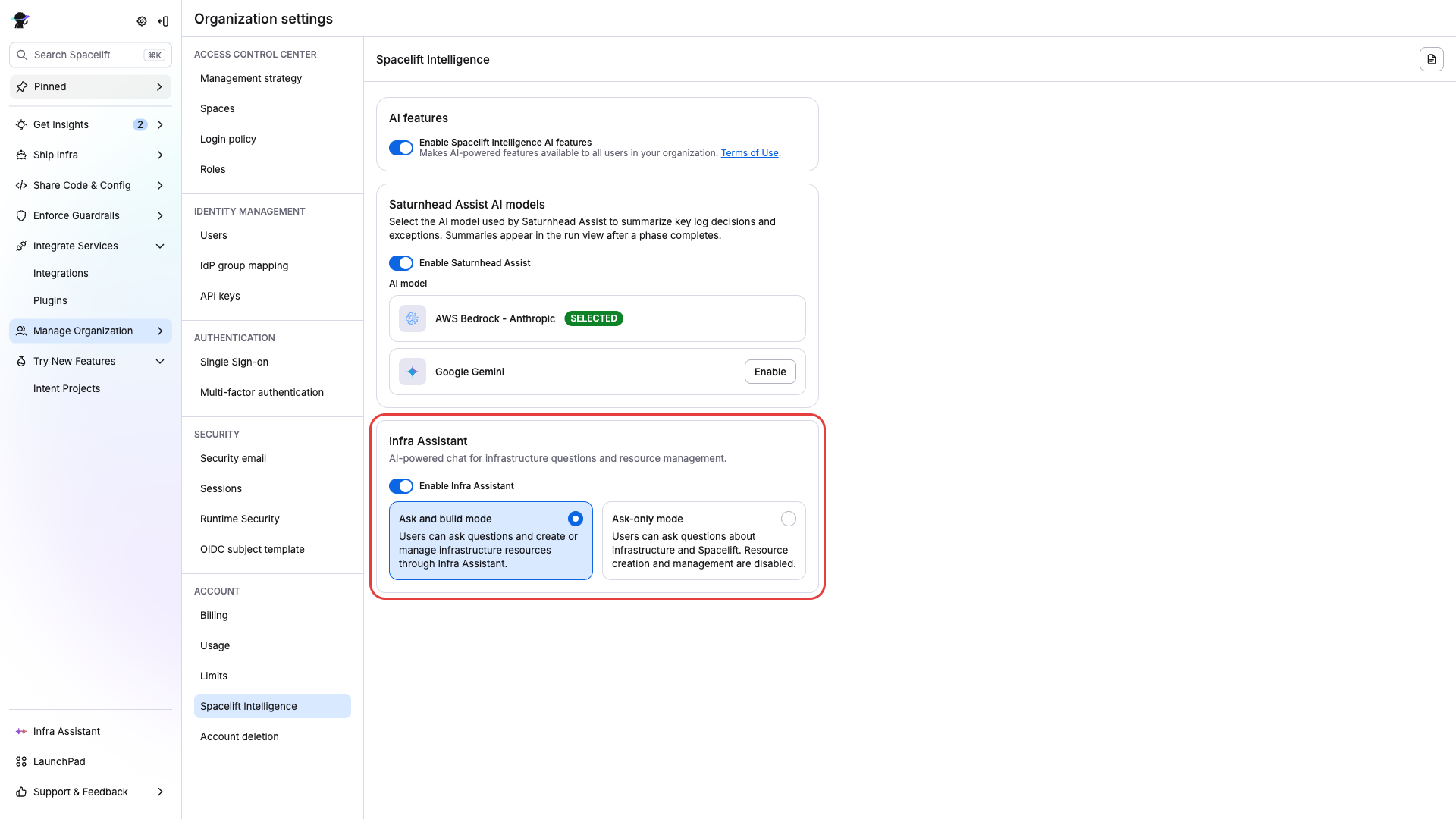
- Go to Settings > Spacelift Intelligence.
- Accept the AI Terms of Use if this is the first time enabling any Spacelift Intelligence feature.
- Turn on Enable Spacelift Intelligence AI features.
- Turn on Infra Assistant.
- Choose either Ask and build mode or Ask-only mode.
Warning
Build mode allows the AI to create, modify, and delete infrastructure resources. Make sure you have appropriate policies in place before enabling it.
Chat modes»
Ask mode»
Ask mode is the default. The AI can help you explore and understand your infrastructure without making any changes.
The AI has access to the following tools:
| Tool | Description |
|---|---|
| Navigate | Navigate to pages within Spacelift (stacks, projects, etc.) |
| Page context | Read the current page to understand what you are looking at |
| Search docs | Search the Spacelift documentation |
| Inspect GraphQL | Explore the Spacelift GraphQL API schema |
| Query GraphQL | Execute read-only GraphQL queries to retrieve data from your account |
Build mode»
Build mode extends Ask mode with the ability to create, modify, and delete infrastructure resources. It uses the same infrastructure management capabilities as Intent, powered by the MCP (Model Context Protocol) toolset.
On top of the Ask mode tools, Build mode gives the AI access to:
- Resource operations: create, update, and delete cloud resources
- State management: inspect and modify infrastructure state
- Dependency management: manage resource dependencies
- Policy evaluation: operations are evaluated against your Intent policies before execution
Build mode requires an admin to explicitly enable it (see Enabling Infra Assistant). The AI always asks for confirmation before destructive operations, and all actions are recorded in the audit trail.
Using Infra Assistant»
Opening the chat»
Click the Infra Assistant icon anywhere in the Spacelift UI to open the chat panel.
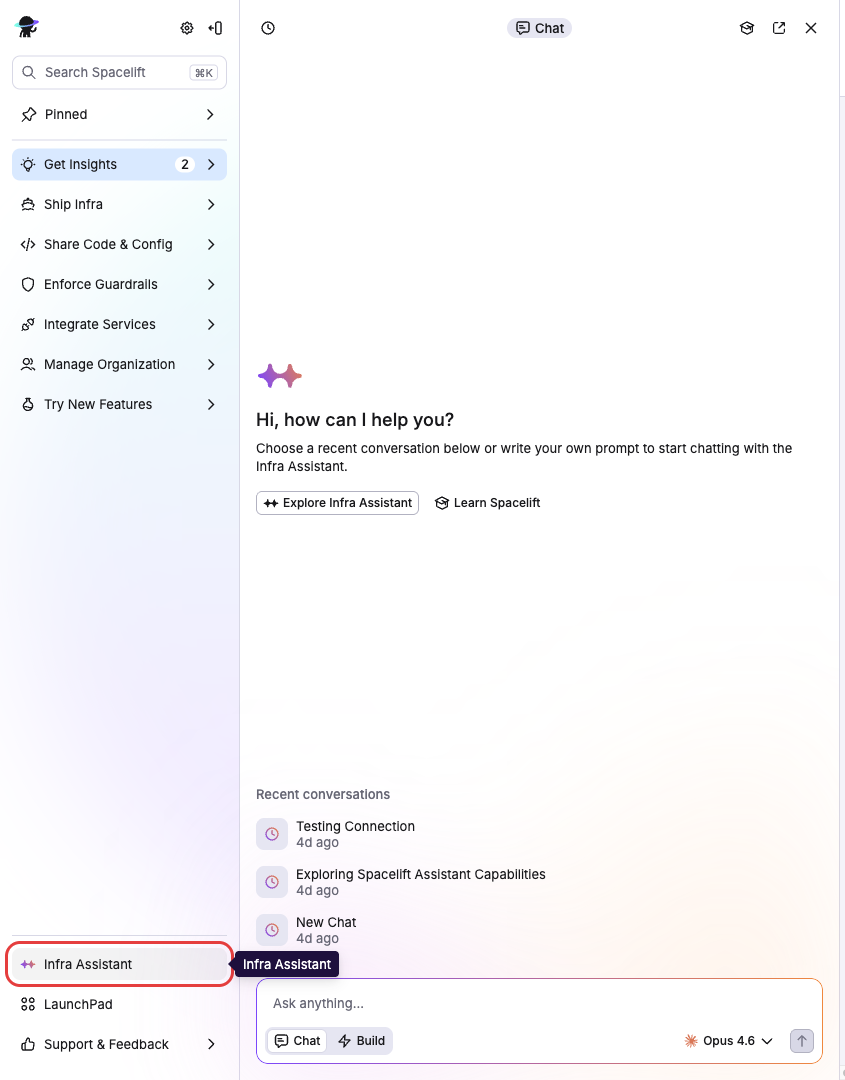
On desktop, the panel appears as a resizable sidebar on the right. On smaller screens, it opens as a floating, draggable window. You can switch between the two using the pin/unpin controls in the panel header.
Conversations»
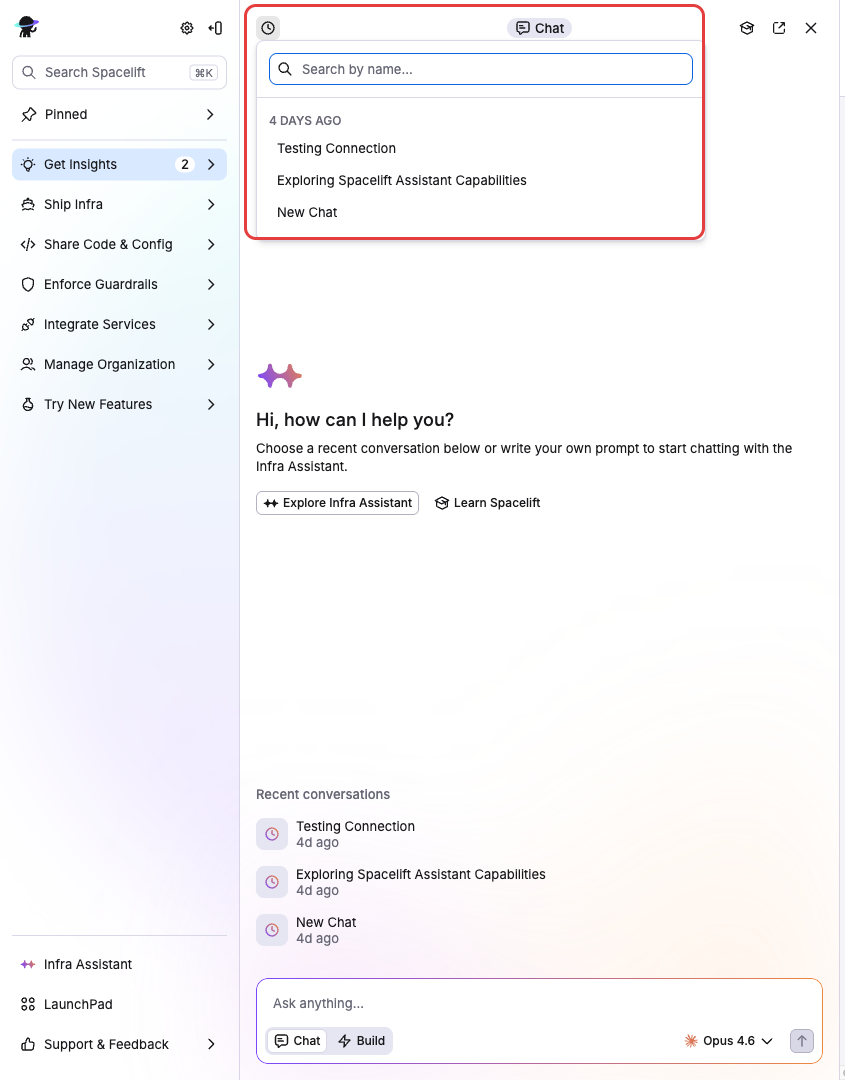
Click the History button in the top-left corner of the chat panel to view past conversations. From here you can search, switch between conversations, rename them, or delete ones you no longer need. To start a new conversation, type a message in the composer on the welcome screen. Each conversation preserves its full message history, so you can pick up where you left off.
Switching modes»
The mode switcher in the chat header lets you toggle between Ask and Build. If Build mode is not enabled for your organization, it shows as disabled with a message to contact an admin.

Selecting an AI model»
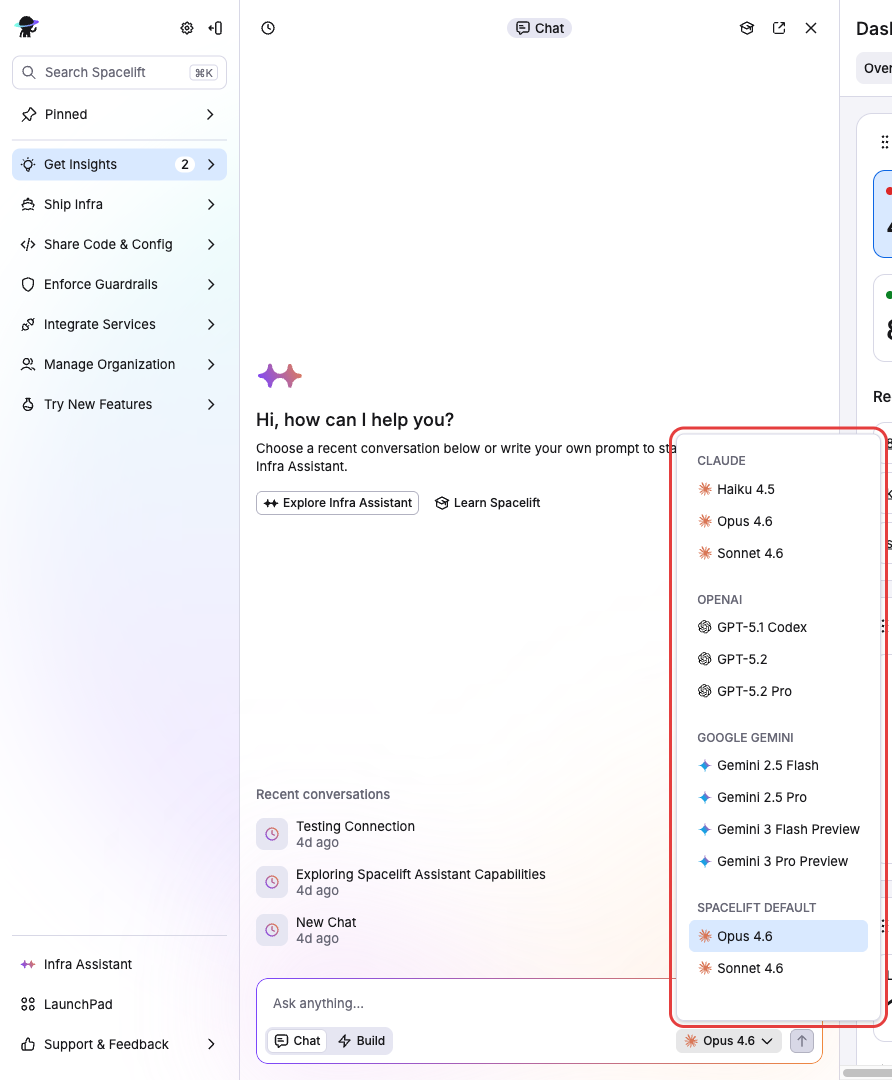
The model selector dropdown in the chat header lets you pick which AI integration and model to use. See AI Integrations for how to configure additional providers.
Token budget»
When using the Spacelift-provided AI integration, usage is tracked against a token budget:
| Plan tier | Budget |
|---|---|
| Free | $10 per 30-day period |
| Paid | Unlimited |
The budget resets on a 30-day rolling window. A progress indicator in the chat header shows your current usage.
If you run out of budget, you can set up a Bring Your Own Model integration to keep using Infra Assistant.
Note
The token budget only applies to the Spacelift-provided AI integration. BYOM integrations are billed by your provider and have no Spacelift-imposed limits.
Access control»
Infra Assistant uses Spacelift's Role-Based Access Control (RBAC) system:
- Enabling and configuring Infra Assistant requires admin access to the organization settings.
- AI integrations are scoped to Spaces, so users can only see and use integrations in spaces they have access to.
- Build mode operations are subject to Intent policy governance.